
Create yourself or your alter ego!
Design your Persona from head to toe to uniquely express yourself. Use the colour wheel to customise everything!

Online 3D virtual world - create your character, build a dream space, and play with others!
Send yourself the link so it's ready on your computer, or create your free account now and get your name before someone else does!
Free download for Windows 10 & 11. On a Mac? Free download for Mac with Apple silicon. On Windows?

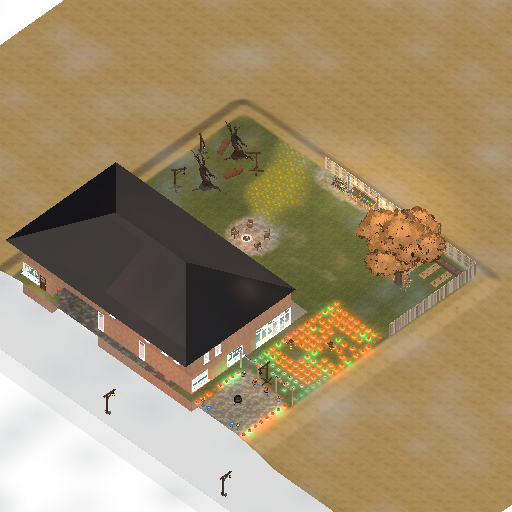
Every single location in Vitare has been built by other players - from games to skill houses, and from money making mansions to party houses. You'll find it all - and discover something new each time you play.
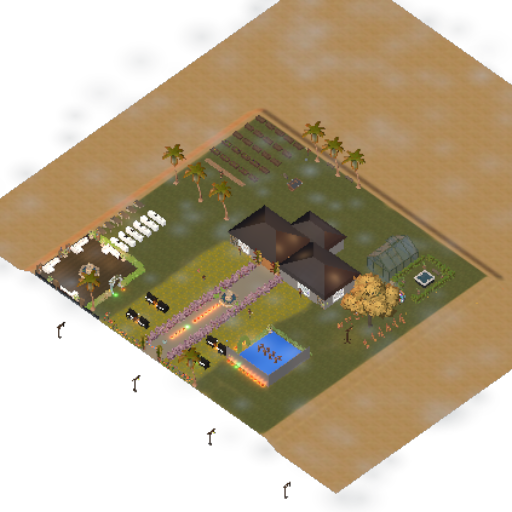
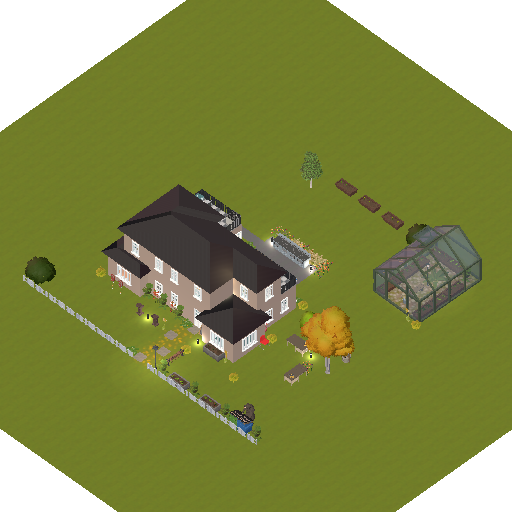
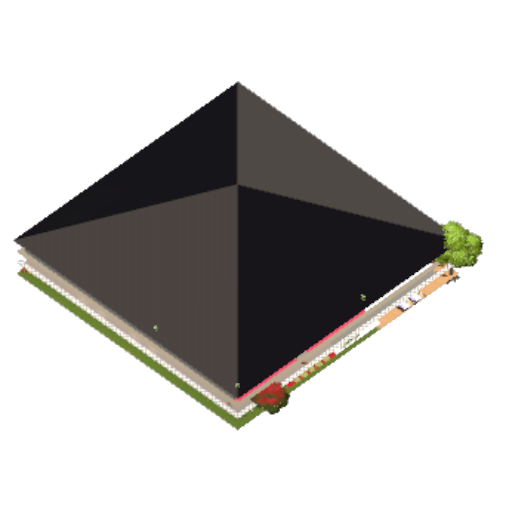
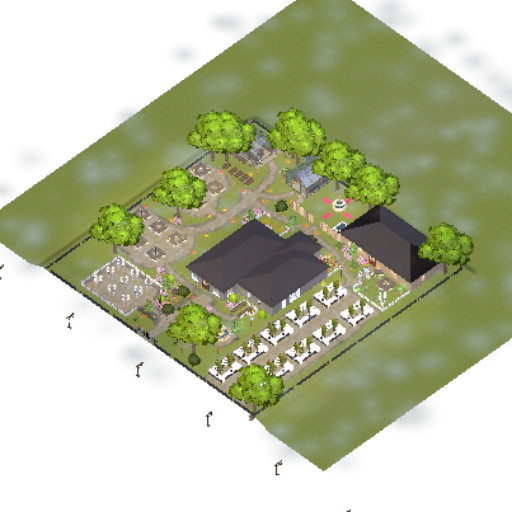
Design your Persona from head to toe to uniquely express yourself. Use the colour wheel to customise everything!

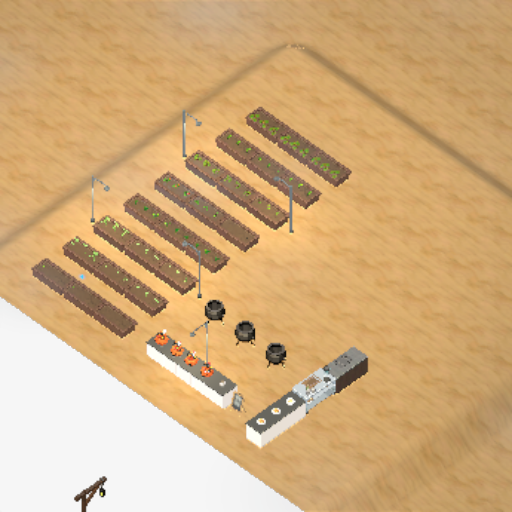
Easy architectural tools mean you can create your dream space! Select from hundreds of objects and build anything. Plus, invite your friends to be your roommates!

Become part of a bigger community and make new friends. Use emotes, interactions, host events and build your reputation.

Everything in Vitare has been created by other players - there's always something new! Explore the world, discover the hottest place, and find your new favourite location.
Free download for Windows 10 & 11. On a Mac? Free download for Mac with Apple silicon. On Windows?
It's free on Windows and Mac, and it downloads the game for you.
Open Vitare and press New User on the login screen - it only takes a minute!
Design your persona, then step out into a world built by players.
Yes! Vitare is free to play. There's an optional Vitare Plus membership for anyone who'd like to support the game, but there are no pay to win mechanics or unfair advantages.
A Windows 10 or 11 (64-bit) PC, or a Mac with Apple silicon (M1 or newer) running macOS Monterey or later. You will also need 8GB of memory, at least 5GB of free space and an internet connection.
Yes! Windows and macOS warn about games from new developers they don't recognise yet. As soon as your download starts, we'll show you how to get past it - it only takes a moment.
Vitare is played on Windows and Mac, so you'll need a computer to play. If you're on your phone now, send yourself the link and pick it up on your computer!
Yes! Everyone you meet in Vitare is a real player, and every lot you visit was built by one.
Vitare is an 18+ game, so you must be at least 18 years old to play.
Download Vitare for Windows or Mac and step into a world built by players.
Free download for Windows 10 & 11. On a Mac? Free download for Mac with Apple silicon. On Windows?
Here's how to install Vitare on Windows:
Once vitare-setup-win.exe has downloaded, open it to install the Vitare launcher.
As we're a new developer, Windows may show a blue “Windows protected your PC” screen. Click More info, then Run anyway - Vitare is completely safe!
The launcher downloads the game for you, then just press Play Vitare. Choose New User on the login screen to create your free account!
Download didn't start? Try again
Here's how to install Vitare on your Mac:
Open the downloaded .dmg file, then drag Vitare into your Applications folder.
The first time you open Vitare, your Mac may say it can't check it. Close that message, open System Settings, go to Privacy & Security, scroll down and click Open Anyway. You only need to do this once!
The launcher downloads the game for you, then just press Play Vitare. Choose New User on the login screen to create your free account!
Download didn't start? Try again